A clearer, faster way to manage client support
A bespoke client portal built to keep support requests, files, updates, contracts and project communication organised in one private place.
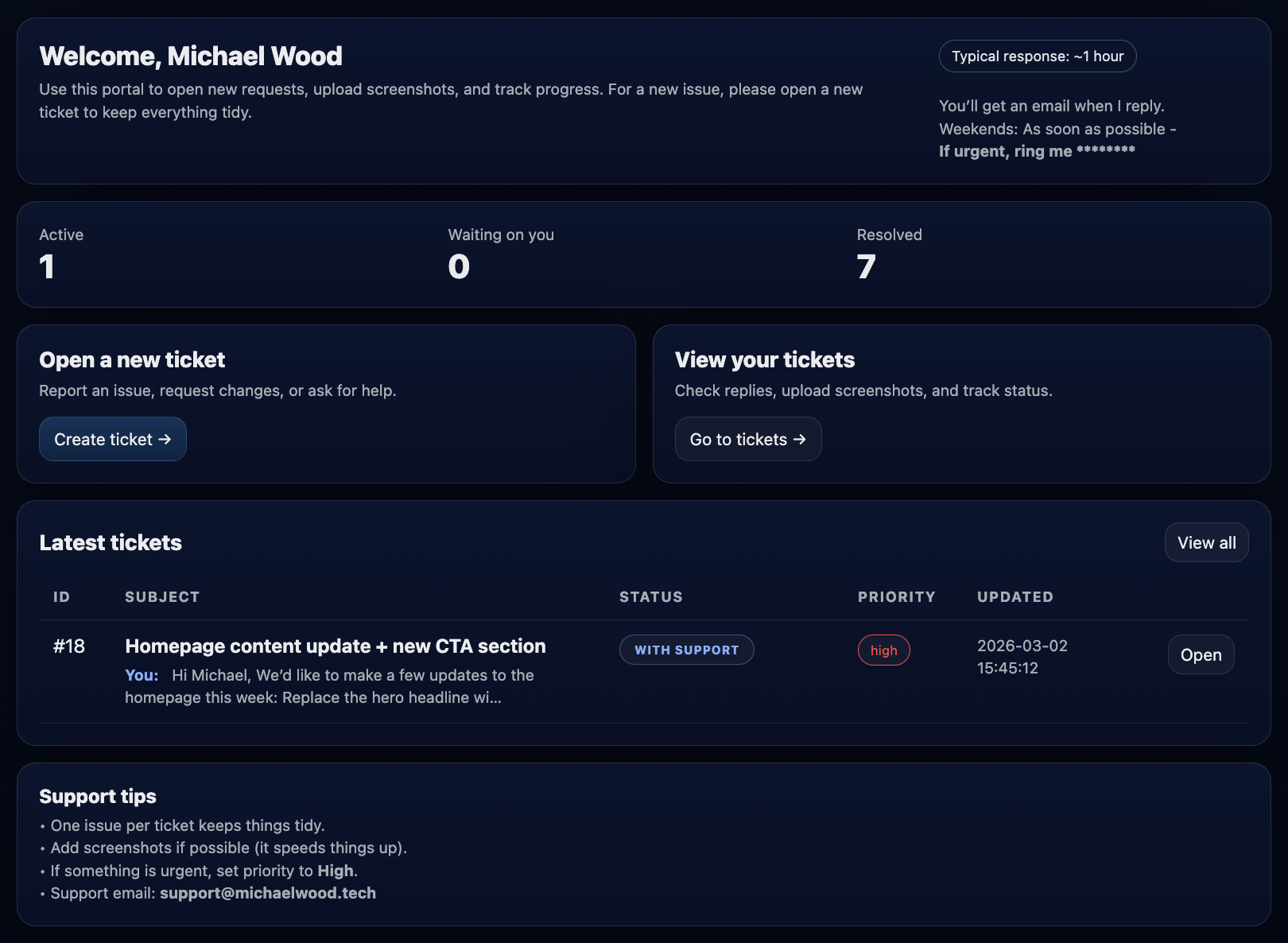
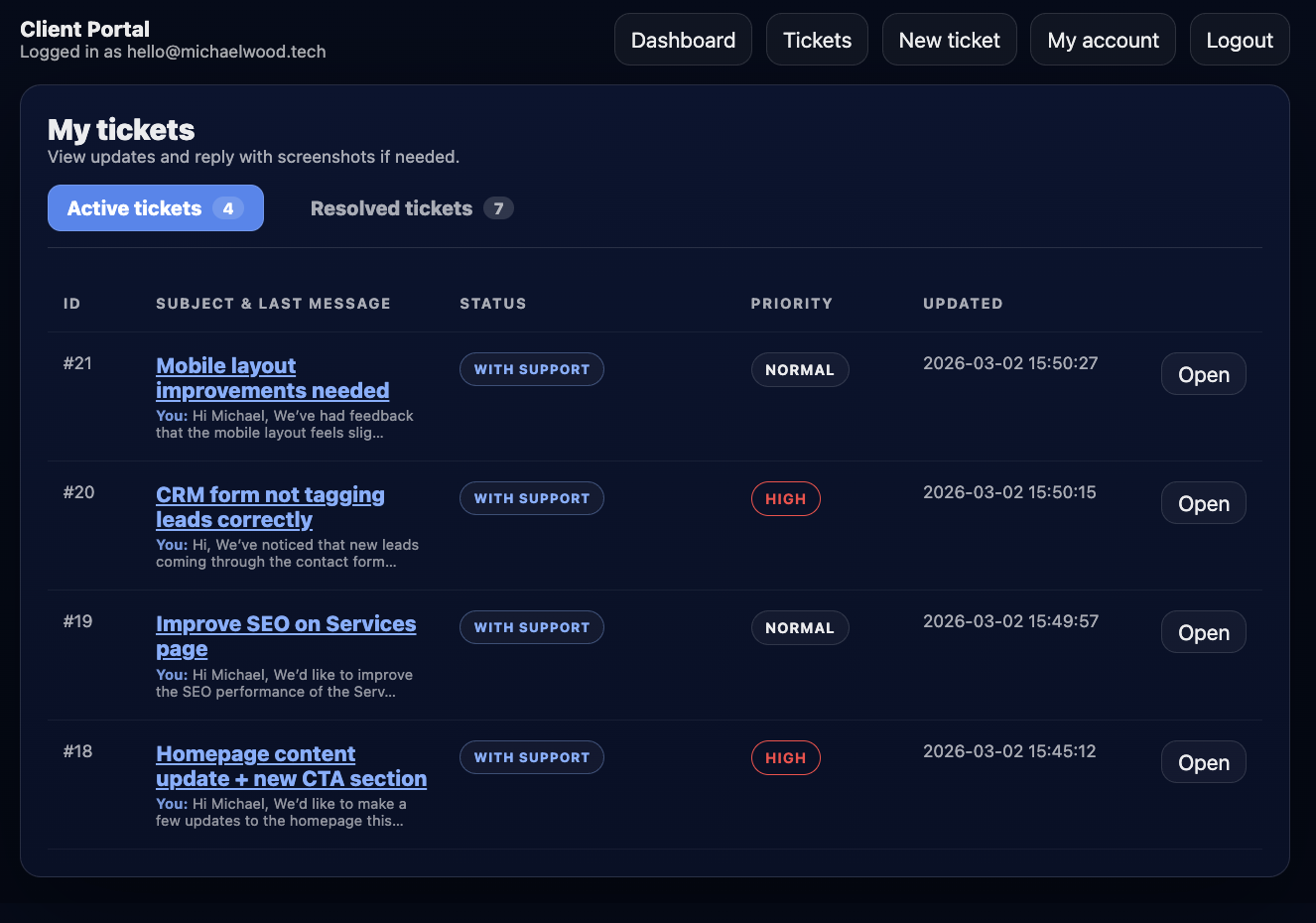
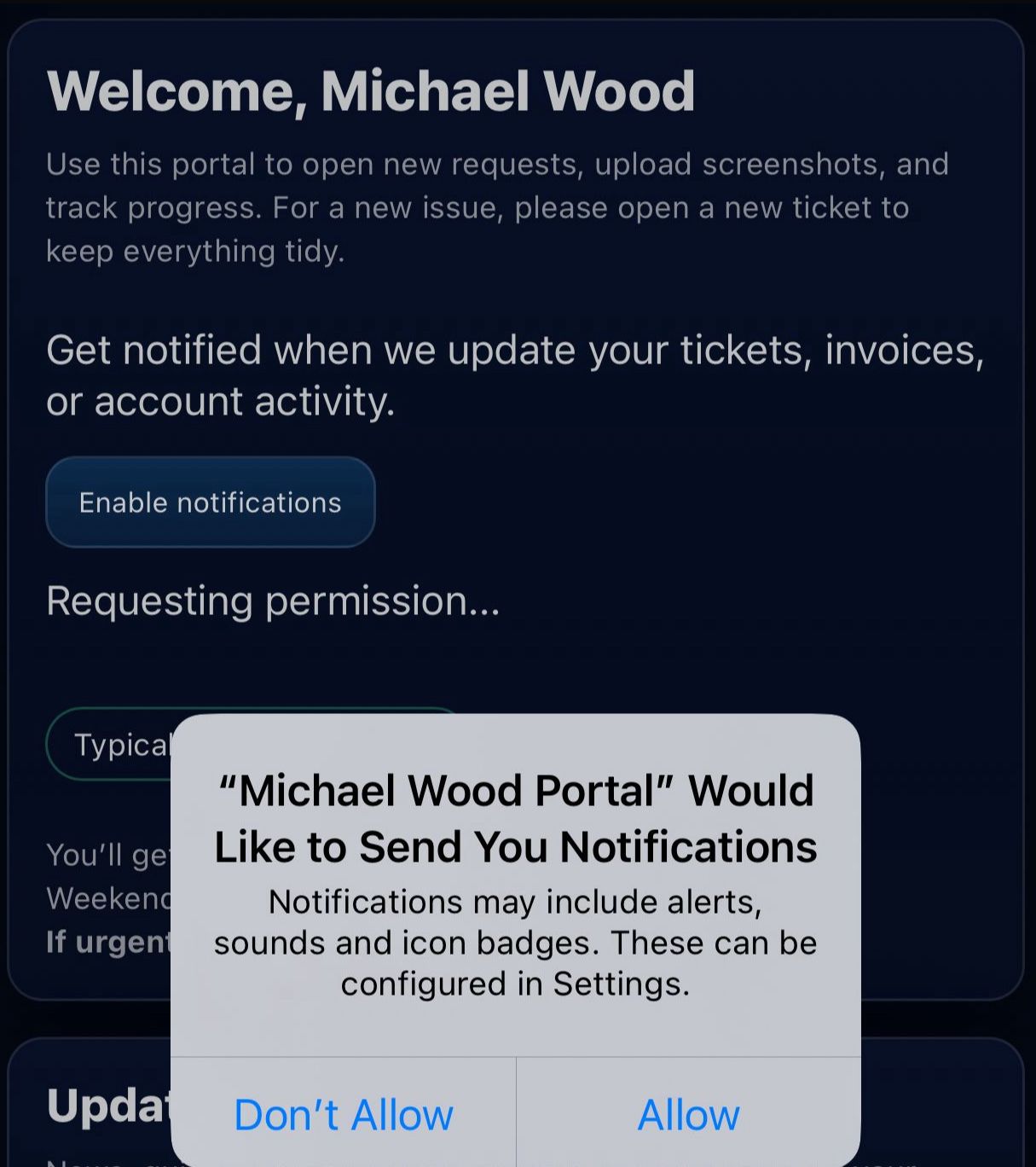
Clients can open tickets, upload screenshots, check updates, view replies, and stay in the loop on desktop or mobile — with optional notifications on supported devices.
Support was getting spread across too many places
Email threads, screenshots, files and project notes can quickly become difficult to manage when support requests are handled manually.
A private portal for client communication
I built a client portal that gives each client a private place to submit requests, upload files, track replies and stay updated.
A simple process from request to resolution
The portal is designed to make support and communication straightforward, whether a client is sending a quick request, sharing files or checking the latest update on mobile.
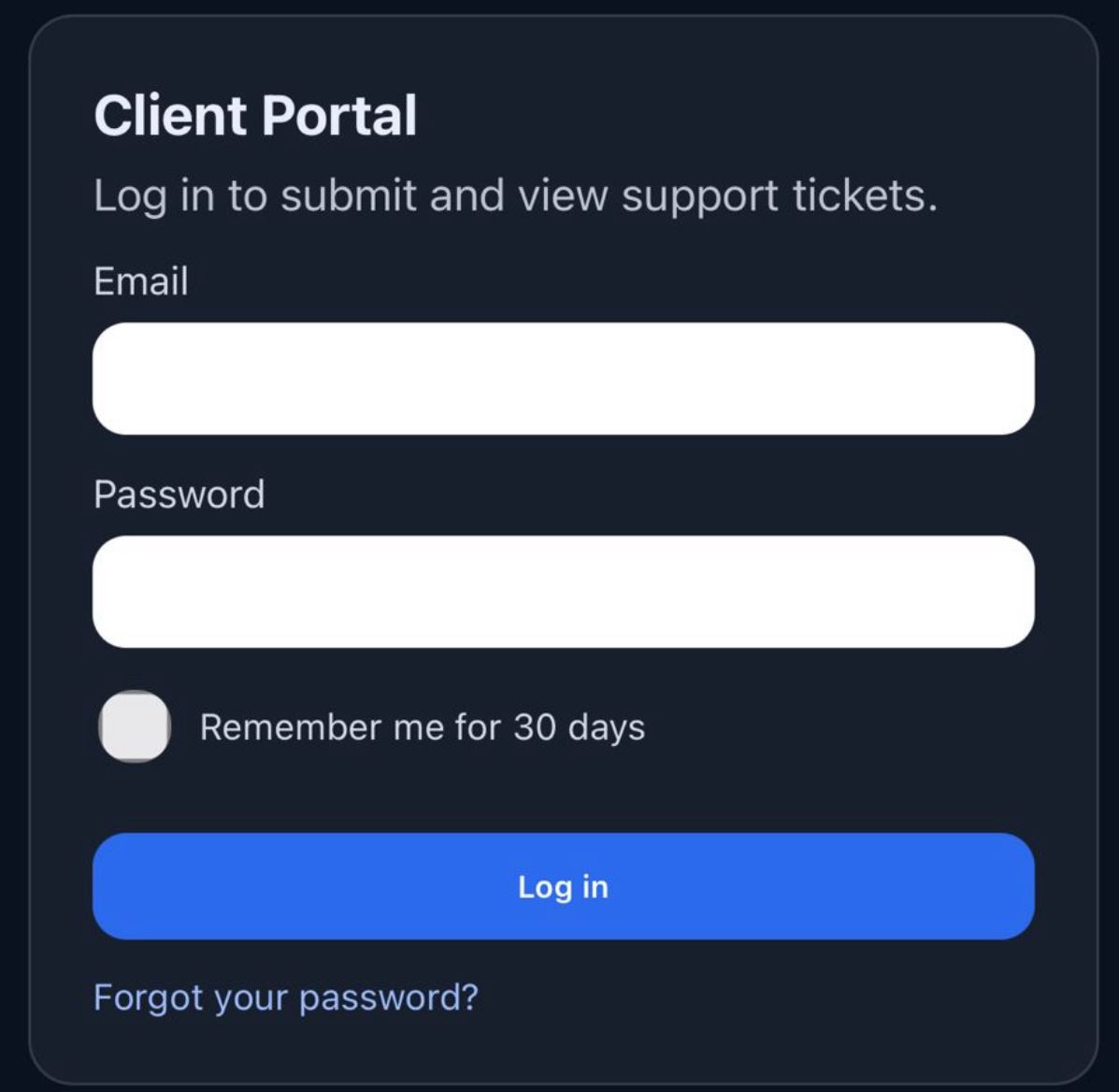
Log in securely
Clients receive private access to their own portal area.
Submit a request
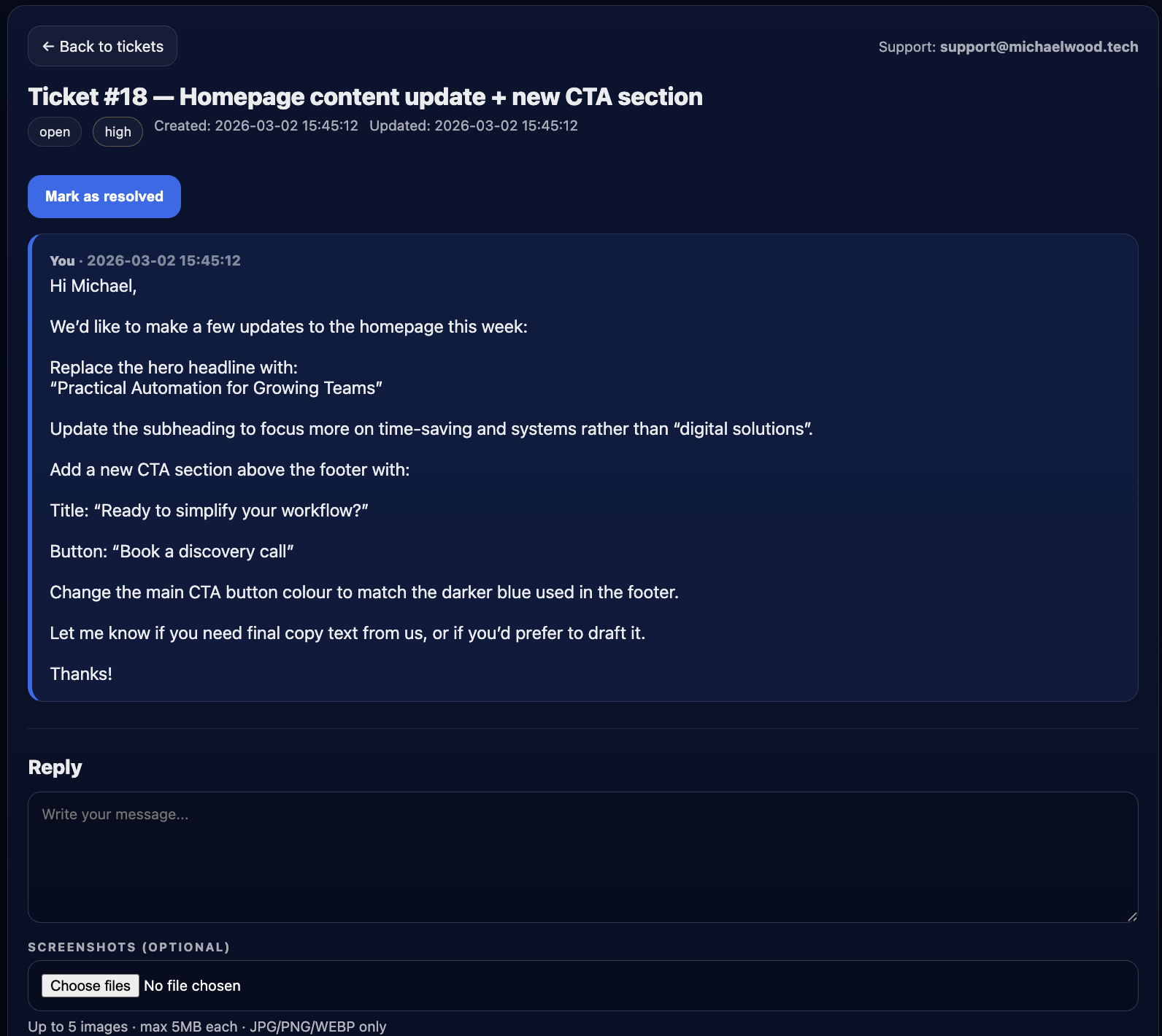
A ticket can include details, screenshots and supporting files.
Track progress
Replies, status updates and files stay inside the same thread.
Get notified
Clients can receive updates by email and supported device notifications.
Everything in one organised place
The portal keeps support requests, replies, screenshots and files connected to the right conversation.
Designed for desktop and mobile
Clients can check updates, view files and reply to tickets from desktop or phone.
Desktop, mobile and notification views
The portal is designed to keep support simple and accessible — whether clients are at a desk or checking an update from their phone.